
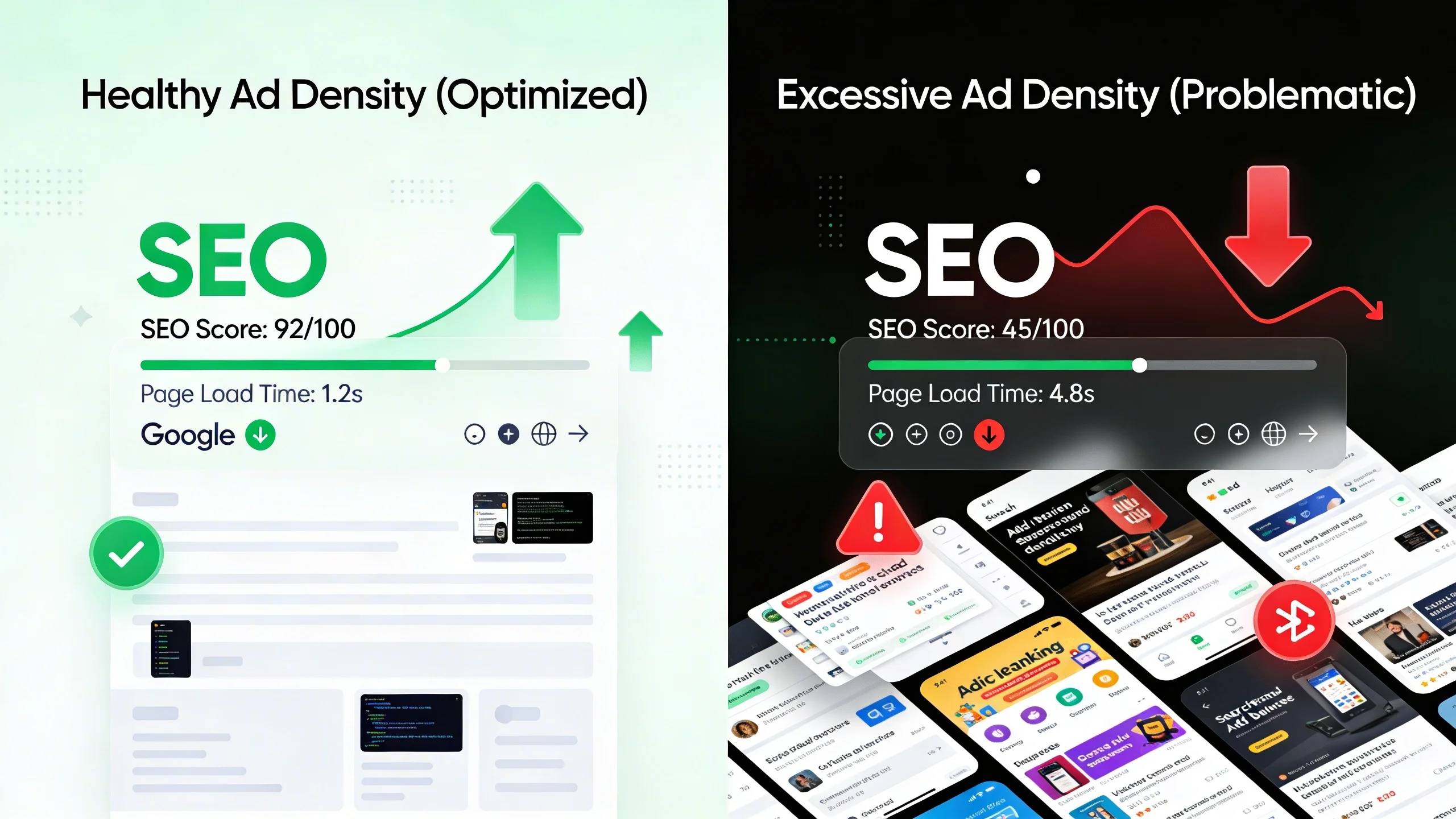
A Quick History Lesson: Google's War on Bad Ad Experiences
Google’s focus on ad experience isn't new. For over a decade, they've been nudging publishers toward a more user-centric approach through specific algorithm updates.
The Page Layout Algorithm (aka "Top Heavy" Update)
Back in 2012, Google rolled out what became known as the "Top Heavy" update. This was its first major shot across the bow, specifically targeting websites with an excessive number of ads "above the fold" (ATF)—the portion of the page visible without scrolling. The logic was simple: if a user clicks on a search result and is immediately bombarded with ads instead of the content they were looking for, it's a poor experience.
The Intrusive Interstitials Penalty
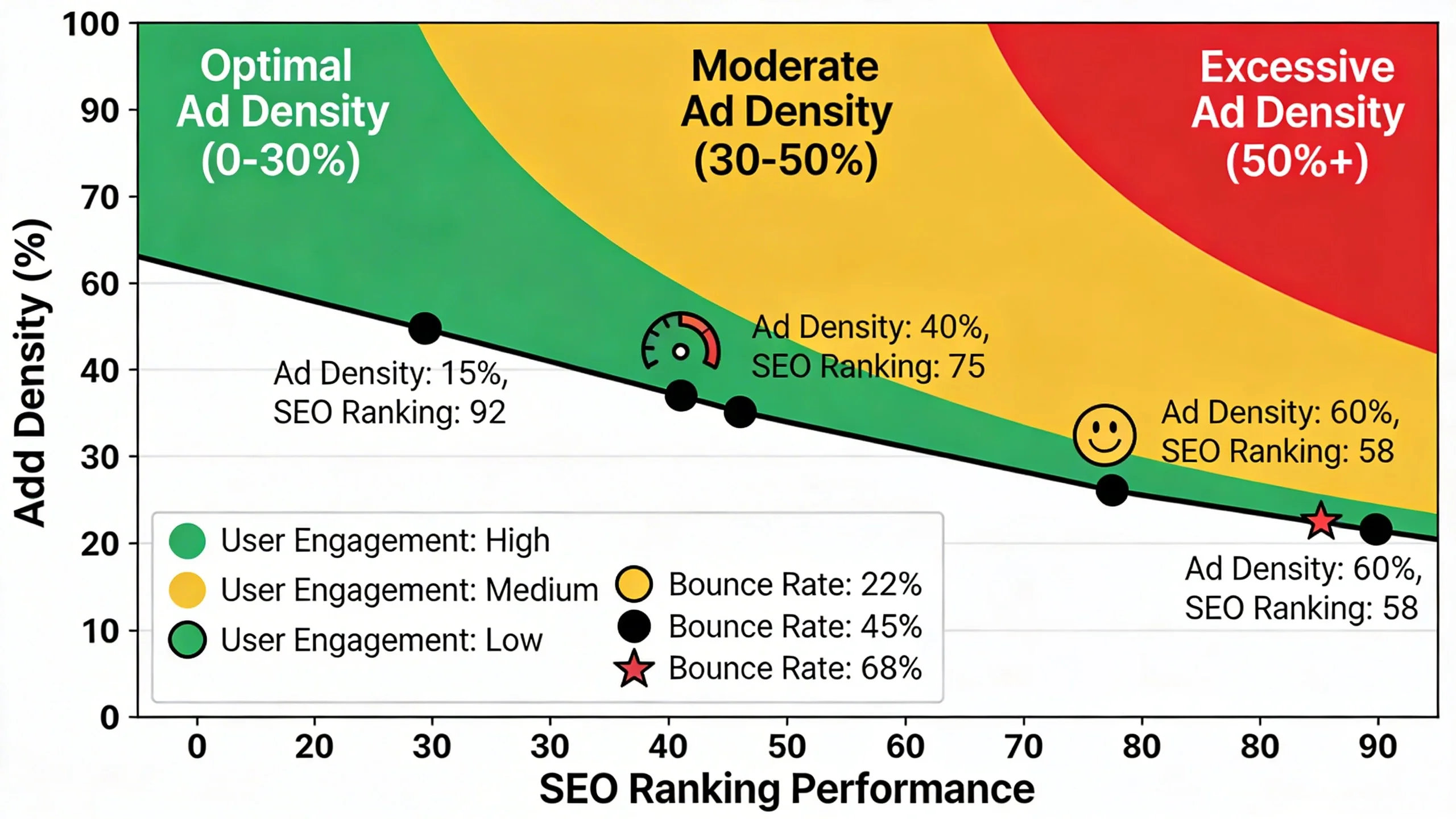
Years later, as the web shifted to mobile, Google took aim at another frustrating ad experience: intrusive interstitials. This 2017 mobile-focused penalty targeted pop-ups and other ads that obstruct the main content, making it difficult for users to access what they came for, especially on smaller screens.
The Shift to Holistic Experience
These early, rule-based penalties were just the beginning. They laid the groundwork for a much more sophisticated and holistic approach. The real story for 2025 isn't about avoiding a single penalty; it's about understanding how your ad strategy fits into Google's comprehensive systems like the Page Experience update and the Helpful Content System.
The Indirect Killers: 4 Ways Ad Density Sabotages Your SEO in 2025
This is the core of the issue. A heavy ad load doesn't trigger a simple penalty; it degrades the key signals Google now uses to measure a page's overall quality and usability.
1. The Devastating Impact on Core Web Vitals (CWV)
Core Web Vitals are a set of specific metrics Google uses to measure a page's loading performance, interactivity, and visual stability. Ads are often the primary culprits behind poor scores.
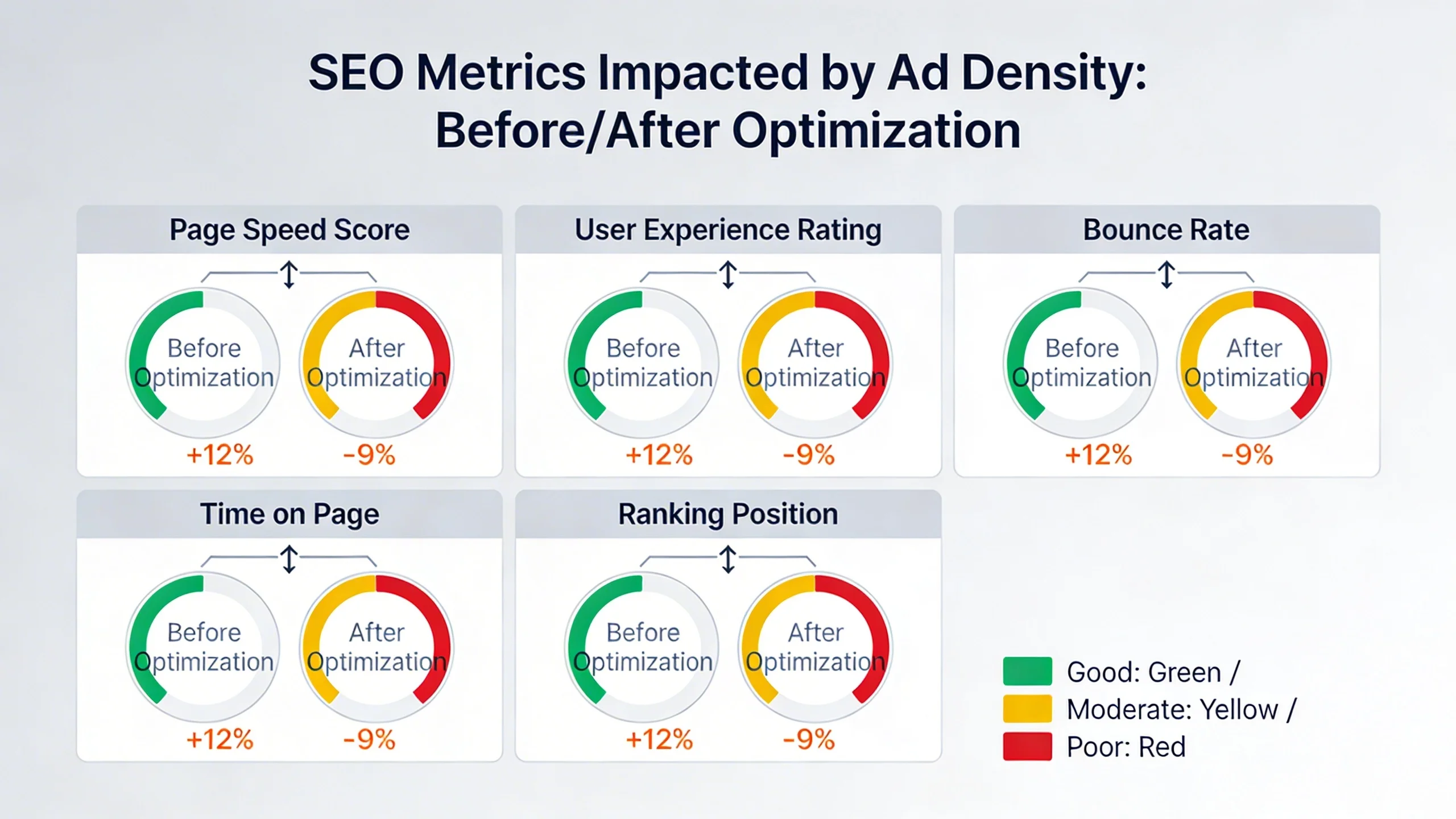
- Cumulative Layout Shift (CLS): This measures visual stability. Have you ever started reading an article, only for an ad to load and push the text down the page? That’s a layout shift. Ads that load late or resize themselves are a primary cause of poor CLS scores, a direct signal in Google’s Page Experience ranking system.
- Largest Contentful Paint (LCP): This measures loading performance. Heavy ad scripts and the assets they call can block the browser's main thread, delaying the rendering of the page's most important content (like a featured image or a block of text) and hurting your LCP score.
- Interaction to Next Paint (INP): As the newest Core Web Vital, INP measures page responsiveness. When a user clicks a button or tries to open an accordion menu, how quickly does the page respond? Ad-related JavaScript can keep the browser's processor busy, making the page feel sluggish and unresponsive, leading directly to a poor INP score.
2. Degradation of User Experience & Negative User Signals
Think about your own behavior. When you land on a page that is slow, where content jumps around, and ads get in your way, what do you do? You hit the back button.
This behavior creates a trail of negative user signals:
- Higher Bounce Rates: Users leave after viewing only one page.
- Lower Dwell Time: Users spend less time on your page before returning to the SERP.
- Fewer Pages Per Session: Users are less likely to explore other content on your site.
While Google maintains that these aren't direct ranking factors, its machine-learning systems like RankBrain are incredibly adept at identifying patterns of user dissatisfaction. A consistent pattern of users "pogo-sticking" back to the search results is a powerful signal that your page didn't satisfy their intent.
3. The Helpful Content System's "Unhelpful" Judgment
Google's Helpful Content System (HCS) is designed to reward content created "for people first." A core question the system asks is whether the page provides a satisfying experience.
An excessive ad-to-content ratio is a massive red flag. When a user has to actively hunt for the actual content amongst a sea of display ads, sticky banners, and in-content video players, the experience is fundamentally not people-first. Google's classifiers can perceive this as a signal of a low-quality, unsatisfying page built primarily to serve ads rather than users. Because the HCS is a sitewide signal, a poor ad experience on many pages can negatively impact the rankings of your entire website.
4. Mobile-First Indexing & Mobile Usability Nightmares
It's 2025—Google predominantly crawls, indexes, and ranks your site based on its mobile version. An ad layout that is merely cluttered on a desktop can become a usability nightmare on a smartphone.
Large sticky footer ads can cover essential navigation elements. Dense above-the-fold ads can push all meaningful content out of the initial viewport. These issues not only contribute to poor Core Web Vitals and user signals but can also trigger direct mobile usability warnings in Google Search Console.
The Data-Driven Proof: Measuring Your Ad Impact
Don't just take our word for it. You can diagnose these issues yourself using free tools.
How to Diagnose Ad-Related Performance Issues:
- PageSpeed Insights & Lighthouse: Run your URL through PageSpeed Insights. Pay close attention to the "Diagnostics" section. Opportunities like "Reduce the impact of third-party code" and "Reduce JavaScript execution time" will often point directly to scripts from your ad networks as major contributors to slow performance.
[Image suggestion: A screenshot of a PageSpeed Insights report highlighting a slow ad network script.]
- GTmetrix Waterfall Chart: Use a tool like GTmetrix and look at the "Waterfall" tab. This chart visualizes every single request a browser makes to load your page. You can easily spot slow-loading resources from ad network domains that are blocking the rest of your page from rendering.
- The "Ad Gutter" Test: The most definitive way to measure impact is to run a controlled test. Create a page template with a significantly lighter ad load (e.g., one ATF ad instead of three, no in-content video ads). Apply this template to a specific category or section of your site. Monitor performance in Google Analytics 4 and Google Search Console over 3-4 months, comparing the test pages to the control group.
Mini Case Study (Hypothetical but Realistic):
A fictional lifestyle blog, "UrbanWanderer," implemented an ad optimization strategy on a section of their articles. Here’s a look at the results.
| Metric | Before Optimization | After Optimization | Impact |
|---|---|---|---|
| ATF Ad Units | 3 Display Ads | 1 Display Ad | Reduced clutter |
| CLS Score | 0.28 (Poor) | 0.05 (Good) | 82% Improvement |
| INP Score | 350ms (Needs Imp.) | 180ms (Good) | 48% Improvement |
| Organic Traffic (YoY) | +5% | +20% (on test pages) | +15% Lift |
| Avg. Time on Page | 1:45 | 2:30 | +43% Increase |
The data is clear: by reducing the ad load and focusing on user experience, the site saw dramatic improvements in Core Web Vitals, which correlated with a significant lift in organic traffic and user engagement.
The 2025 Ad Optimization Playbook: Best Practices for SEO-Friendly Monetization
Balancing revenue and rankings is possible. Follow these rules to create an ad experience that works for users, Google, and your bottom line.
- Rule 1: Protect "Above the Fold" at All Costs. The user's first impression is everything. Limit ATF ads to one or two units at most. The initial viewport must be dominated by the content the user came to see.
- Rule 2: Master Asynchronous & Lazy Loading. Your ad scripts should never block your content from loading. Ensure all ad tags are implemented with
asyncordeferattributes. For ads below the fold, use lazy loading so they only load when a user is about to scroll them into view. - Rule 3: Define Explicit Ad Slot Sizes. This is the number one way to fight ad-related CLS. Work with your developer to specify the ad slot dimensions (width and height) in the CSS or HTML. This tells the browser to reserve an empty space for the ad, preventing that jarring content jump when it finally loads.
- Rule 4: Choose Your Ad Formats Wisely.
* Good: Well-placed, fixed-size display ads; native ads that blend into the content feed.
* Bad: Intrusive pop-ups; auto-playing video ads with sound; large anchor/sticky ads on mobile that cover a significant portion of the screen.
- Rule 5: Mind the Ad-to-Content Ratio. There is no magic number, but use common sense. The length and depth of your content should justify the number of ads. A short 300-word post should not have five ad units scattered throughout it.
- Rule 6: Test, Test, Test. Leverage modern ad management platforms (like Google Ad Manager) or premium partners (like IMC, Mediavine, or Raptive) that offer tools for A/B testing different ad layouts. This allows you to find the optimal balance—the "sweet spot"—between revenue per session and a positive user experience.
Conclusion: Smart Monetization is Smart SEO
In 2025, ad density's effect on SEO is powerful but profoundly indirect. Google isn't counting your ads; it's measuring the experience your ads create.
A heavy ad load directly harms your Core Web Vitals, alienates users, and sends strong signals to the Helpful Content System that your site may not be people-first. The debate is no longer "ads vs. no ads." It's "smart monetization vs. short-sighted revenue-chasing."
By optimizing your ad implementation for the user, you are, by extension, optimizing for Google. Focus on creating a fast, stable, and satisfying experience, and you'll be rewarded with both sustainable revenue and the organic traffic required to earn it.