What Exactly is Ad Latency? A Simple Breakdown
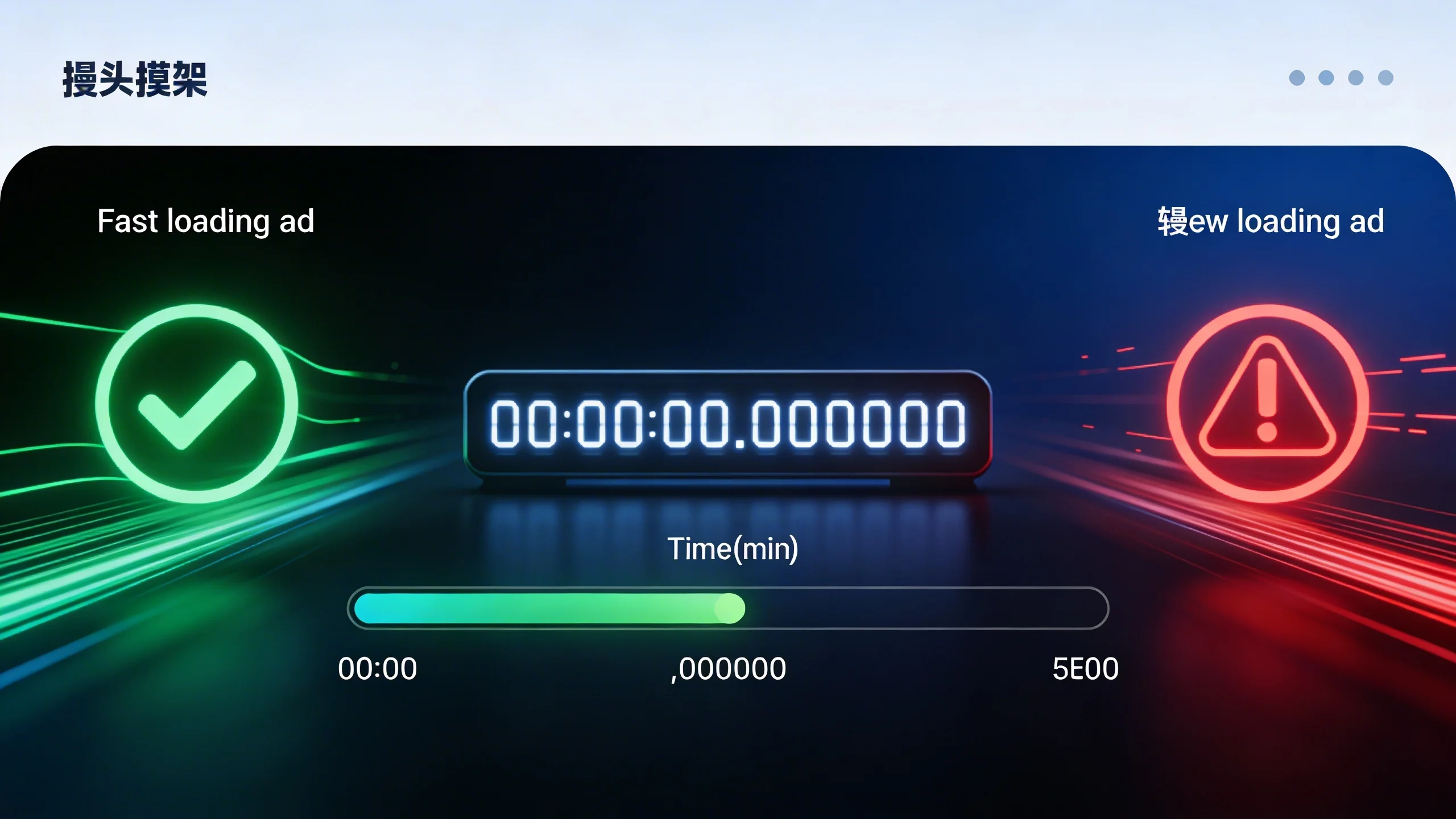
Before we can fight it, we need to understand it. Ad latency is the total time it takes for an ad to be requested, won in an auction, delivered, and displayed on a user's screen after they visit a webpage.
Think of it like a complex restaurant order. Your page is the diner, the ad request is the order sent to the kitchen, and the various ad servers and bidders are the kitchen staff. Latency is the total time from when the diner places their order to when the food (the ad) is actually on the table. A delay at any step—the waiter taking the order, the chefs preparing the meal, or the server bringing it to the table—results in a hungry, impatient diner.
Key Components of Ad Latency
This total "wait time" isn't one single event. It's a chain of events, and a delay in any link can slow the entire process.
- Time to First Ad (TTFA): This is the initial delay before any ad process even begins. It's the time it takes for your site’s core content to load enough for the ad logic to start running.
- Auction Latency: In modern programmatic advertising, this is the time taken for the header bidding auction to complete. Your website sends out bid requests to multiple demand partners simultaneously, and this component measures how long it takes for them to respond with their bids.
- Ad Server Response Time: Once a winner is chosen from the auction, the request goes to your primary ad server (like Google Ad Manager). The time it takes for the ad server to process the winner and return the final ad creative is another critical piece of latency.
- Creative Load & Render Time: This is the final step—the time it takes for the user's browser to download the ad creative (the image, video, or interactive element) and actually display it on the page. A heavy, unoptimized video ad can cause a significant delay here.
Ad Latency vs. Page Latency: A Crucial Distinction
It’s vital to understand that a fast-loading page does not guarantee fast-loading ads. You could have a perfectly optimized website that loads in under a second, but if your ad stack is slow, the user’s experience is still one of waiting. Users don't differentiate between slow content and slow ads; they just see a slow, frustrating site. This distinction is key because fixing page latency alone won't solve the revenue-killing impact of slow ads.
The Vicious Cycle: How Ad Latency Annihilates Your Bottom Line
The true cost of slow ads isn't just a few lost milliseconds; it's a cascade of failure that directly impacts your revenue, user experience, and even your search engine rankings.
The Direct Hit: Decreased Viewability and Lower CPMs
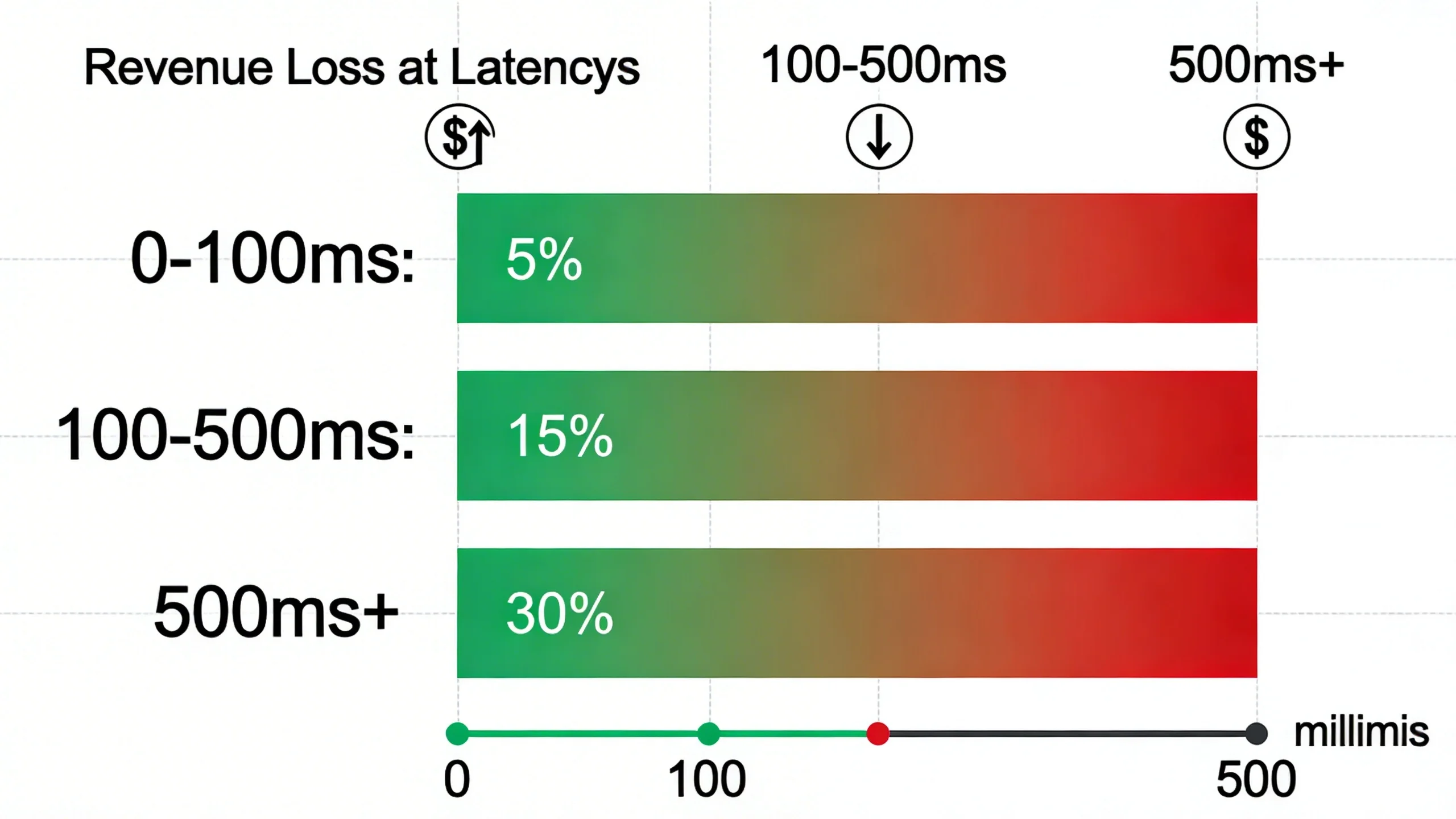
Viewability is the currency of digital advertising. An ad impression only counts (and gets paid its full value) if a user actually sees it. If an ad loads after a user has already scrolled past its position, it’s not viewable. That impression is either worthless or sold at a drastically lower CPM. Furthermore, demand partners and ad exchanges are smart; their algorithms often penalize slow publishers with lower bids, assuming that high latency correlates with low viewability. Every millisecond of delay increases the risk of the user scrolling away before the ad renders, directly reducing your earnings.
The User Exodus: Poor UX and Increased Bounce Rates
Modern web users are impatient. A slow, janky loading experience is one of the fastest ways to make them leave and never return. When ads load slowly, they can block page content, cause the layout to jump around, and make the entire site feel sluggish. As far as the user is concerned, your site is broken. Statistics consistently show a direct correlation between page load time and bounce rates. According to Google, the probability of a bounce increases by 32% as page load time goes from 1 second to 3 seconds. Slow ads are a major contributor to this load time.
[Image: A chart showing the correlation between page load time and bounce rate, highlighting the sharp increase after 2-3 seconds.]
The SEO Penalty: Failing Core Web Vitals
Google’s Core Web Vitals (CWV) are a set of metrics that measure real-world user experience, and they are a confirmed ranking factor. Ad latency is a primary saboteur of good CWV scores.
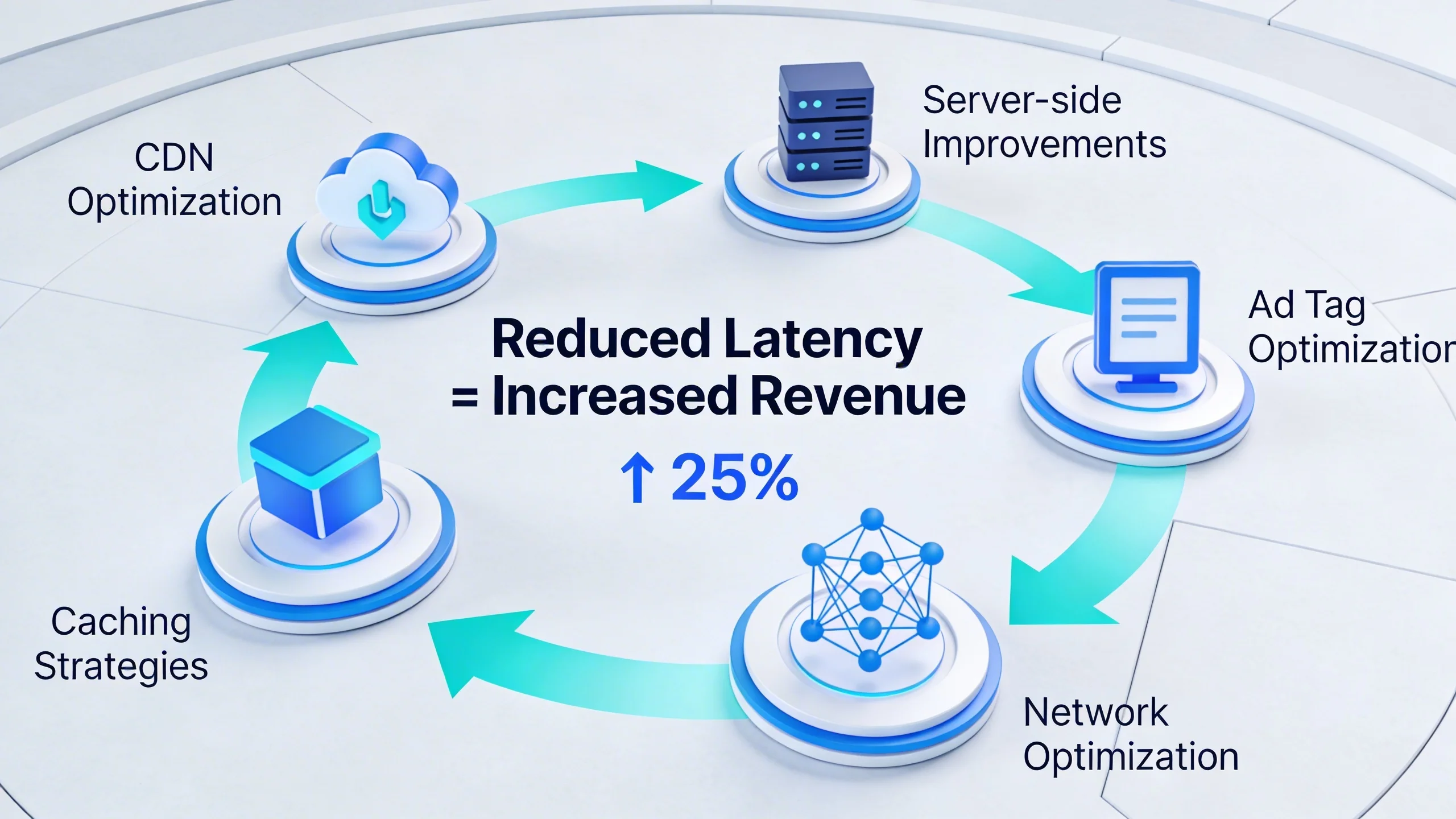
- Largest Contentful Paint (LCP): This metric measures how long it takes for the largest element in the viewport (often a hero image or a block of text) to load. If a large ad is in that initial viewport, its slow loading will directly delay LCP, signaling to Google that your page provides a poor experience.
- Cumulative Layout Shift (CLS): This is perhaps the most frustrating user experience issue. CLS measures the visual stability of a page. When an ad slot is empty and an ad suddenly loads without a reserved space, it pushes all the content down. The user, who was about to click a link, suddenly clicks the ad instead. This creates a terrible user experience and a high CLS score, which can severely harm your SEO.
The Auction Timeout: Lost Bids and Lower Fill Rates
Header bidding auctions operate on a tight schedule, typically a timeout of 1,000 milliseconds or less. Your website asks multiple demand partners to bid, but it won't wait forever. If a partner is slow to respond due to network issues or their own internal latency, their bid is simply discarded. When latency causes potential bidders to time out, you have less competition in your auction. Less competition means the winning bid is lower, driving down your CPMs. In worst-case scenarios, no one responds in time, and the impression goes unfilled, resulting in a zero-revenue blank space.
Diagnosing the Disease: The 7 Common Causes of Ad Latency
Before you can fight it, you need to know your enemy. Ad latency isn't caused by a single bug; it's often a death by a thousand cuts. Here are the most common culprits lurking in your ad stack.
1. Overloaded Header Bidding (Client-Side)
Client-side header bidding, where the auction runs in the user's browser, is a common starting point for publishers. However, it’s easy to overload it. Adding too many demand partners creates a traffic jam in the browser, as each one requires a separate request. Combined with inefficient wrapper configurations and overly generous timeout settings, this can bring a user's browser to a crawl.
2. A Slow or Inefficient Consent Management Platform (CMP)
In the age of GDPR and CCPA, a CMP is non-negotiable. However, it's a modern and often overlooked cause of latency. The CMP must load and get user consent before any ad auctions can begin, making it a critical bottleneck. A slow, bloated, or synchronously loading CMP can add hundreds of milliseconds of delay before your revenue-generating process even starts.
3. Legacy Waterfall Setups
While largely replaced by header bidding, some publishers still use waterfall setups. This sequential process is inherently slow. It calls one ad partner, and if they don’t fill the request at the desired price, it calls the next, and so on. This chain of requests adds significant latency compared to the parallel auctions of header bidding.
4. Unoptimized Ad Creatives
You don't always have control over the ads that win the auction, but their size and complexity matter. Heavy video files, large uncompressed images, and creatives loaded with dozens of third-party tracking pixels can take a long time to download and render, causing the final and most visible part of the ad delivery process to lag.
5. Network Latency and Slow Ad Servers
The physical distance between your user and the various ad servers plays a role. A user in Australia accessing servers in North America will experience higher latency. Additionally, the efficiency of your primary ad server (e.g., Google Ad Manager) contributes to the overall delay.
6. Poorly Implemented Lazy Loading
Lazy loading—loading ads only as they are about to scroll into view—is a powerful technique to fight latency. However, if implemented poorly, it can backfire. Setting the loading trigger too late means the ad won't have time to load before the user scrolls past, destroying its viewability and revenue potential.
7. Client-Side Bottlenecks
The user's browser is a finite resource. Running too many processes at once—analytics scripts, social media widgets, A/B testing tools, and the ad auction itself—can overwhelm its main thread. This competition for resources means every process, including your ads, runs slower.
***
Is your ad stack a black box?
Pinpoint your exact latency issues. Download our free Ad Latency Audit Checklist to start diagnosing your setup today.
***
The Cure: 7 Actionable Strategies to Fight Ad Latency
Now for the battle plan. You can reclaim control over your user experience and revenue. These strategies range from quick wins to fundamental shifts in your ad strategy that will deliver long-term results.
1. Streamline Your Header Bidding Configuration
Start with a simple audit. Review the performance of all demand partners in your wrapper. If a partner consistently responds slowly or wins very few auctions, they are adding more latency than value. Remove them. Implement smart timeouts that dynamically adjust based on network conditions and use features like adaptive bidding to optimize the auction on the fly.
2. Embrace Server-to-Server (S2S) Header Bidding
This is the single most impactful change a publisher can make. S2S header bidding moves the heavy lifting of the auction from the user's browser (client-side) to a powerful cloud server. The browser makes a single, lightweight request to the S2S server, which then conducts the full auction with all your demand partners in a high-speed server environment. This drastically reduces client-side latency, frees up browser resources, and allows you to integrate more demand partners without slowing down your site. This is why solutions like IMC are built on a hybrid S2S architecture for maximum speed and revenue.
3. Implement Intelligent Lazy Loading
Don't just lazy load; do it intelligently. The goal is to load ads just before they enter the viewport, giving them ample time to render before the user sees them. This means setting a loading margin of 500-1000 pixels before the ad unit is visible. This technique improves initial page load speed and Core Web Vitals without sacrificing viewability.
4. Choose a Lightning-Fast CMP
Your CMP is part of your ad stack. Audit its performance impact using tools like Google PageSpeed Insights. If it’s a bottleneck, switch to a lightweight, asynchronous option. A modern CMP should be designed for performance and have minimal impact on the critical rendering path of your website.
5. Reserve Ad Space to Eliminate CLS
This is a simple but incredibly powerful fix for Core Web Vitals. Work with your developers to define a fixed size for your ad slots in the site's CSS. By adding a min-height property to the container div for an ad, you reserve the space it will occupy. When the ad loads, it fills this reserved space instead of pushing content down, eliminating CLS and dramatically improving the user experience.
[Code Snippet: Example of reserving ad space with CSS]
.ad-slot-container {

  min-height: 250px; /* For a 300x250 ad */

  width: 300px;

}
6. Leverage a Global Content Delivery Network (CDN)
A CDN stores copies of your site's static assets (like images, CSS, and JavaScript files) on servers around the world. This includes static components of your ad setup, like the Prebid.js library. Using a CDN ensures these assets are delivered to the user from the geographically closest server, reducing network latency and speeding up the initial setup for the ad auction.
7. Consolidate Your Ad Stack with a Unified Platform
The root of many latency issues is complexity—what we call "death by a thousand scripts." Managing dozens of separate vendors for header bidding, consent, analytics, and yield optimization is not only a management nightmare but also a performance disaster. Each script adds another point of failure and another source of latency.
A unified ad management platform like ours consolidates these functions into a single, highly optimized solution. By integrating header bidding, consent management, and analytics into one lightweight script, you eliminate multiple network requests and ensure all components work together seamlessly. This holistic approach is the most effective way to eliminate latency at its source.
Conclusion: Stop Bleeding Revenue and Take Control
Ad latency is not a minor technical issue you can afford to ignore. It is a multi-faceted problem that directly degrades user experience, sabotages your SEO efforts, and actively bleeds revenue from your bottom line with every passing millisecond. The complexity of modern ad stacks has made it a pervasive threat, but it is not an unsolvable one.
By understanding its components, diagnosing its causes, and implementing the right strategies—from streamlining your wrapper to embracing server-to-server technology—you can fight back. With the right strategies and technology, publishers can create a fast, engaging, and high-earning ad experience that benefits both their audience and their business.
***
Fighting ad latency manually is a constant battle. IMC's unified auction platform is engineered for speed, reducing latency by up to 70% and boosting CPMs. Schedule a free demo today and see how much faster your revenue can grow.